%20--%3e%3csvg%20version='1.1'%20id='Layer_1'%20xmlns='http://www.w3.org/2000/svg'%20xmlns:xlink='http://www.w3.org/1999/xlink'%20x='0px'%20y='0px'%20viewBox='0%200%20539.85%2069'%20style='enable-background:new%200%200%20539.85%2069;'%20xml:space='preserve'%3e%3cstyle%20type='text/css'%3e%20.st0{fill-rule:evenodd;clip-rule:evenodd;fill:url(%23SVGID_1_);}%20.st1{fill-rule:evenodd;clip-rule:evenodd;fill:url(%23SVGID_00000059298475550241562130000016819491931466679940_);}%20.st2{fill:%23000333;}%20%3c/style%3e%3cg%20id='ICON'%3e%3clinearGradient%20id='SVGID_1_'%20gradientUnits='userSpaceOnUse'%20x1='2.43'%20y1='29.3039'%20x2='82.2338'%20y2='29.3039'%3e%3cstop%20offset='0'%20style='stop-color:%237C3BED'/%3e%3cstop%20offset='1'%20style='stop-color:%23EB4799'/%3e%3c/linearGradient%3e%3cpath%20class='st0'%20d='M82.23,28.39V12.01c0-5.87-4.76-10.64-10.64-10.64H13.07c-5.89,0-10.64,4.76-10.64,10.64V46.6%20c0,5.88,4.76,10.64,10.64,10.64h42.56c-2.5-3.33-3.99-7.48-3.99-11.97c0-11.02,8.93-19.95,19.95-19.95%20C75.51,25.31,79.15,26.44,82.23,28.39L82.23,28.39z%20M52.69,29.3L35.68,39.94V18.66L52.69,29.3L52.69,29.3z'/%3e%3clinearGradient%20id='SVGID_00000085930236355220650180000003311295726160247989_'%20gradientUnits='userSpaceOnUse'%20x1='56.9626'%20y1='49.2549'%20x2='92.8743'%20y2='49.2549'%3e%3cstop%20offset='0'%20style='stop-color:%237C3BED'/%3e%3cstop%20offset='1'%20style='stop-color:%23EB4799'/%3e%3c/linearGradient%3e%3cpath%20style='fill-rule:evenodd;clip-rule:evenodd;fill:url(%23SVGID_00000085930236355220650180000003311295726160247989_);'%20d='%20M83.3,54.04l8.84,9.35c1.01,1.07,0.96,2.75-0.1,3.76s-2.75,0.96-3.76-0.1l-8.89-9.4c-2.26,1.42-4.93,2.25-7.8,2.25%20c-8.08,0-14.63-6.55-14.63-14.63s6.55-14.63,14.63-14.63s14.63,6.55,14.63,14.63C86.22,48.56,85.14,51.59,83.3,54.04L83.3,54.04z%20M71.59,54.58c5.14,0,9.31-4.17,9.31-9.31s-4.17-9.31-9.31-9.31s-9.31,4.17-9.31,9.31S66.45,54.58,71.59,54.58L71.59,54.58z'/%3e%3c/g%3e%3cg%3e%3cpath%20class='st2'%20d='M135.18,26.57c0-10.52-7.44-16.1-19.45-16.1c-10.81,0-18.05,5.38-18.05,12.62c0,17.11,28.44,10.94,28.44,22.01%20c0,3.83-3.96,6.3-9.58,6.3c-6.52,0-10.34-3.35-10.34-8.79h-9.19c0,11.15,7.85,16.18,19.73,16.18c10.87,0,18.44-5.44,18.44-13.69%20c0-17.04-28.72-11.88-28.72-21.87c0-4.03,4.9-5.43,9.34-5.43c6.1,0,10.33,3.41,10.33,8.78H135.18z%20M173.51,58.11h8.84V11.14h-8.64%20v32.33h-0.35l-22.67-32.33h-9.34L173.51,58.11z%20M141.77,58.11h8.79V35.09l-8.79-12.55V58.11z%20M215.57,11.14h-11.48l-16.84,46.97%20h9.8l12.49-37.23h0.66l13.36,37.23h10.46L215.57,11.14z%20M257.44,42.2c12.08,0,17.04-7.37,17.04-15.97%20c0-8.45-4.31-15.09-17.04-15.09h-18.53v7.92h16.98c6.45,0,9.06,2.54,9.06,7.44s-3.15,7.79-8.99,7.79h-17.04v23.82h9.06V42.2H257.44%20z%20M280.04,58.11h9.21V39.05h23.08v-8.12h-23.08v-11h25.42v-8.79h-34.63V58.11z%20M319.77,19.93h76.56v-8.79h-76.56V19.93z%20M373.18,25.91v32.2h9.06v-32.2H373.18z%20M354.52,38.79v-8.33h-34.76v8.33H354.52z%20M319.77,58.11h34.76v-8.86h-34.76V58.11z%20M421.22,58.78c13.35,0,20.59-7.85,22.14-17.59h-9.19c-1.55,5.84-6.32,9.67-13.23,9.67c-9.19,0-15.03-8.12-15.03-16.91%20c0-9.25,6.52-15.51,14.9-15.51c7.98,0,12.14,4.5,13.49,10.06h9.06c-1.34-11.53-10.41-18.05-23.14-18.05%20c-14.3,0-23.14,10.81-23.14,24.15C397.07,47.91,405.19,58.78,421.22,58.78z%20M463.16,37.85h19.93v20.26h9.06V11.14h-9.06v18.11%20h-19.93V37.85z%20M449.92,58.11H459V11.14h-9.07V58.11z%20M501.26,58.11h9.06V41.53h10.54l8.78,16.58h10.21l-10.94-18.11%20c5.69-2.82,8.25-8.99,8.25-14.02c0-9.47-5.91-14.83-16.51-14.83h-19.38v7.92h18.38c6.04,0,8.99,2.47,8.99,7.11%20c0,4.97-3.48,7.85-8.92,7.85h-18.44V58.11z'/%3e%3c/g%3e%3cg%3e%3c/g%3e%3cg%3e%3c/g%3e%3cg%3e%3c/g%3e%3cg%3e%3c/g%3e%3cg%3e%3c/g%3e%3cg%3e%3c/g%3e%3c/svg%3e)
How to Download Facebook Videos
Facebook hides video downloads behind a 'Save video' button that only bookmarks a post and a right-click that returns a URL but not the file. This guide shows you how to save any public Facebook video, Reel, or Live replay as an HD MP4 on any device.
Facebook hosts more video formats than most people realise — Watch tab clips, Reels, Live replays, and Page videos — and none of them expose a real download button. The native 'Save' option just files the post inside Facebook, and on desktop 'Show video URL' hands you a page link, not a downloadable file. To get a portable MP4 you can watch offline or edit, you have to pull the source stream directly.
Facebook serves video through a dual MP4/DASH delivery pipeline. SnapFetchr probes the higher-quality progressive MP4 first and falls back to the DASH manifest only when needed, which keeps quality predictable across Watch clips, Reels, and Live replays. The result is an MP4 with the original audio, no account or Meta access token required.
The steps below work on iPhone, Android, Windows, and Mac. The only requirement is that the content is public — videos from private groups, restricted profiles, or friends-only posts are blocked at the source and can't be downloaded by any tool.
Step-by-Step: How to Download Facebook Videos
Find the Facebook video
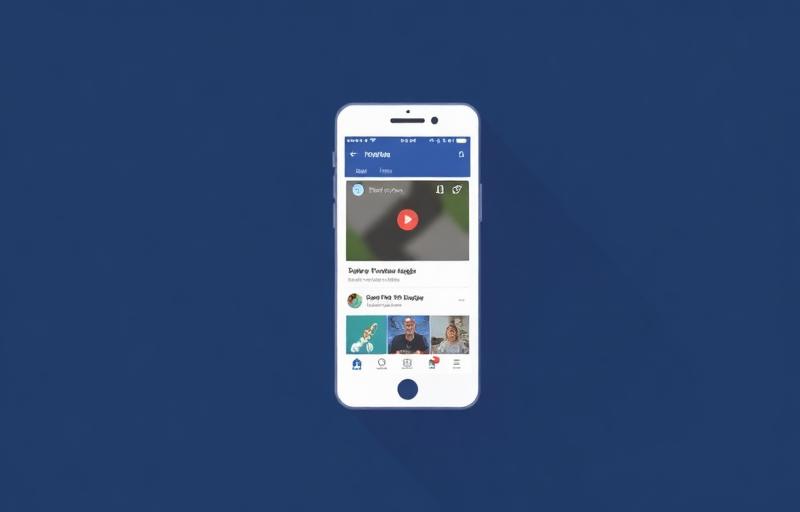
Open the video in the Facebook app or on facebook.com. It needs to come from a public Page, a public group, or a public profile post. Watch clips, Reels, and finished Live broadcasts (replays) all qualify; a Live stream still in progress does not until it ends.
Copy the video URL
On mobile, tap the three dots (⋯) on the post → Copy link. On desktop, right-click the video → Show video URL, then copy from the address bar, or use the post's Copy link option. SnapFetchr accepts facebook.com/watch, facebook.com/<page>/videos/<id>, fb.watch short links, and m.facebook.com mobile URLs.

Paste into SnapFetchr
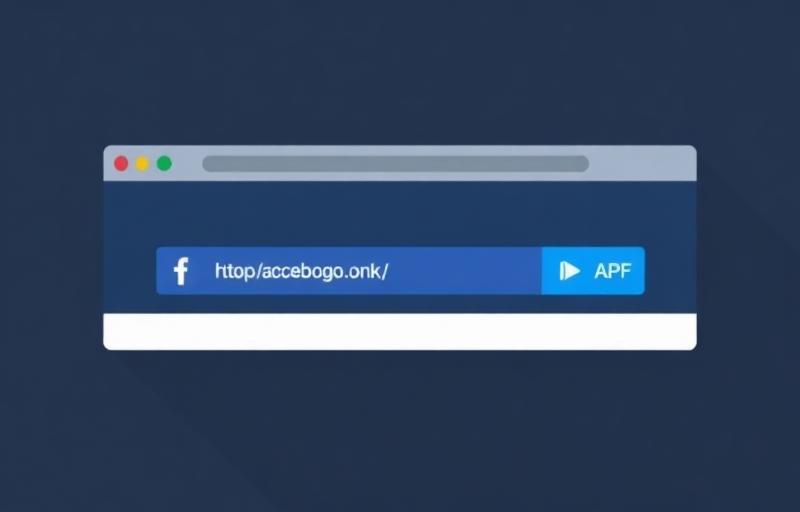
Go to SnapFetchr, paste the link into the input field, and press Fetch Video. fb.watch short links and full URLs are resolved automatically — no manual conversion needed. The tool probes Facebook's delivery pipeline for the best available rendition.
Choose quality and download
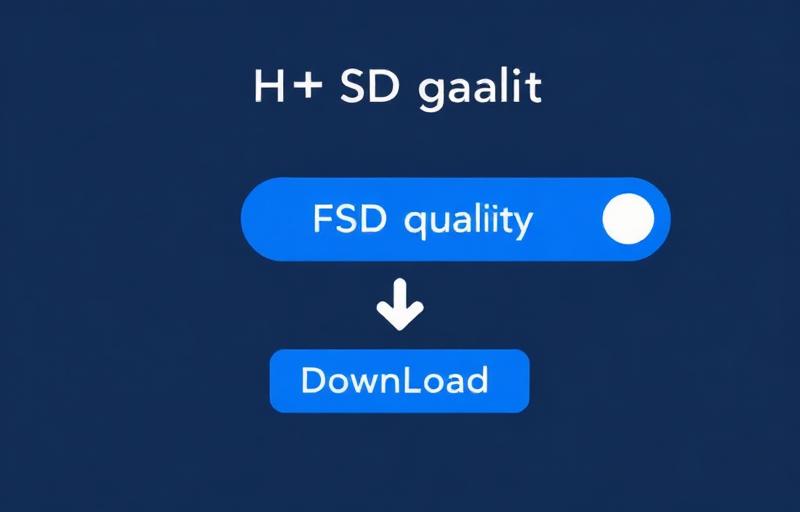
Pick SD or HD and tap download. The MP4 saves with audio included — to your Downloads folder on desktop and Android, or via Files → Downloads → Share → Save Video on iPhone to reach the Camera Roll.
Watch videos, Reels, Live replays, and Page videos
Watch tab videos are the long-form, often horizontal clips from Facebook Watch, typically 720p or 1080p at the source. Facebook Reels are vertical 9:16 short-form clips — identical in quality to Instagram Reels because Meta serves both from the same CDN. Page videos uploaded directly by a business or creator sit at facebook.com/<pagename>/videos/<id>. All three download with the same copy-paste-fetch flow.
Live replays are the format with a catch: a broadcast only becomes downloadable after the stream ends and Facebook publishes the replay, which uses a videos/live URL pattern. You can't capture a Live stream while it's still running — wait for the replay, then download from its URL exactly like any other video.
Download Facebook videos on mobile (iPhone & Android)
On iPhone, use Safari and copy the link from the Facebook app's three-dot menu. After you fetch and tap download, the MP4 goes to Files → Downloads; open it there and choose Share → Save Video to move it into your Camera Roll. Both fb.watch short links and full facebook.com URLs are handled automatically.
On Android, Chrome is the most reliable browser. The file lands in /Downloads and is instantly playable in Google Photos or VLC. If a Reel plays sideways in some players, that's an orientation-metadata quirk — re-encode it once in CapCut or VLC to fix the rotation tag.
Download Facebook videos on desktop
On Windows, macOS, or Linux, the fastest route is the desktop site: right-click the playing video, choose Show video URL, copy it, and paste into SnapFetchr. For Watch clips and Page videos you can also just copy the page URL from the address bar. Fetch, choose HD, and the file saves to your default Downloads folder.
Because the output is a standard MP4, you can drop it straight into Premiere Pro, DaVinci Resolve, or any editor. There's no watermark added and no quality loss beyond what Facebook itself stored — older or mobile-uploaded videos may simply have no HD source to offer.
Troubleshooting
'This content isn't available right now'
The post is from a private group, a restricted profile, or has been deleted. Only public content is reachable — verify the link loads in a logged-out incognito window.
An fb.watch link won't load
Some fb.watch short links expire after the original post is removed. Open the short link in a browser; if it 404s, there's nothing left to download.
The download is only 240p
Facebook serves multiple resolutions and older or mobile-uploaded videos may genuinely have no HD source. SnapFetchr can't create quality that Facebook never stored.
A Live broadcast can't be downloaded
Streams in progress aren't downloadable. Wait until the broadcast ends and the replay auto-publishes, then download from the replay URL.
Common Mistakes to Avoid
Using 'Save video' and looking for a file
That option only bookmarks the post inside Facebook. Use Copy link and a downloader to get an actual MP4.
Copying a profile or Page URL instead of the video URL
The link must point to the specific video (watch/?v=, /videos/<id>, or fb.watch), not the account it lives on.
Trying to grab a Live stream mid-broadcast
Wait for the replay. Live-in-progress content has no finalised file to download yet.
Expecting Stories to work
Facebook Stories are ephemeral and aren't exposed via shareable URLs, so they can't be downloaded.